Smart Bulbs vs Smart Switches in the UK: The Wiring Truth Most Guides Skip
Smart bulbs are the better starting point for most UK homes, and smart switches are the better long term choice for rooms you use every day. That split sounds simple, but it is the answer most buying guides skip. They compare features and prices, and they ignore the one thing that decides the whole project in a British home: the wiring behind your light switch.
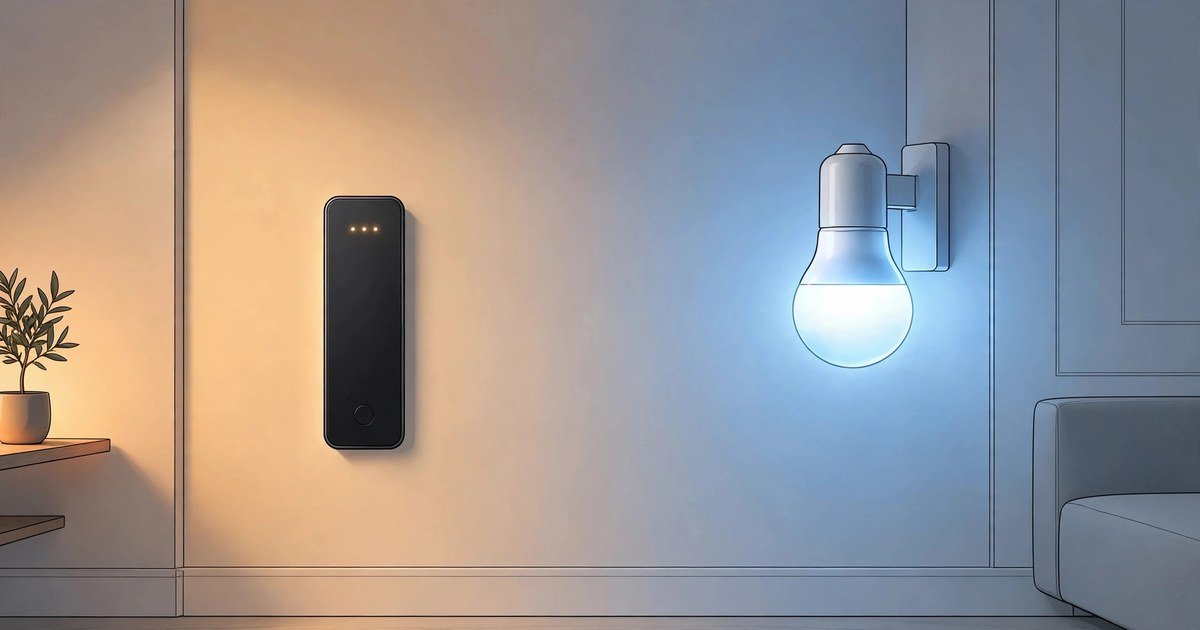
A smart bulb puts the brains in the bulb. A smart switch puts the brains in the switch on the wall. Both can work with Alexa, Google Home and Apple Home, and both can follow a schedule. The right choice depends on your wiring, your budget per room, and whether you rent or own. This guide works through each factor in order, so you buy once and you buy right.
How each option actually works
A smart bulb screws into a normal light fitting, just like an ordinary bulb. You leave the wall switch turned on, and you control the bulb from an app, a voice assistant or a wireless remote. Change the brightness, change the colour, or set a schedule, all from the bulb itself. If someone turns the wall switch off, the bulb loses power and it stops responding until the switch goes back on. That single habit causes most smart bulb complaints.
A smart switch replaces the switch on the wall. It controls whatever bulbs are already in the ceiling, smart or ordinary. Anyone can still use the wall switch in the normal way, and the lights stay smart even when a guest presses it. That is why switches suit hallways, kitchens and family rooms, where lots of people use the same lights and nobody wants a lesson before they can turn them on.
The trade off is clear. Bulbs are flexible and easy to start with. Switches are more natural to live with, but they ask more of your wiring and your budget up front.
The UK wiring question you must check first
Here is the part that US guides get wrong for UK readers. Many British homes, especially older ones, have no neutral wire at the light switch. The switch box usually holds a live wire and a switched live wire, and nothing else. A lot of smart switches need a neutral wire to power themselves, so they simply cannot work in that box without new wiring.
Before you buy a single switch, check what is behind it. Turn the power off at the consumer unit, remove the switch faceplate, and look inside. If you see only two wires, plus an earth wire, you probably have no neutral. If you are unsure about anything you see, stop and ask a qualified electrician. Mains wiring is not a learn as you go job.
No neutral does not end the switch plan. Some smart switches are designed to work without a neutral wire, and some use a small capacitor at the light fitting to keep the circuit stable. These options work well in many homes, but they can flicker with very low wattage LED bulbs, so check the minimum load in the product details before you order. If your home has a neutral wire at the switch, your choice is much wider, and most mainstream smart switches will work.
Smart bulbs dodge this whole problem. They need no wiring change at all, because the fitting already supplies power. That is a big reason bulbs win for renters and for anyone who wants to test smart lighting without touching a wire.
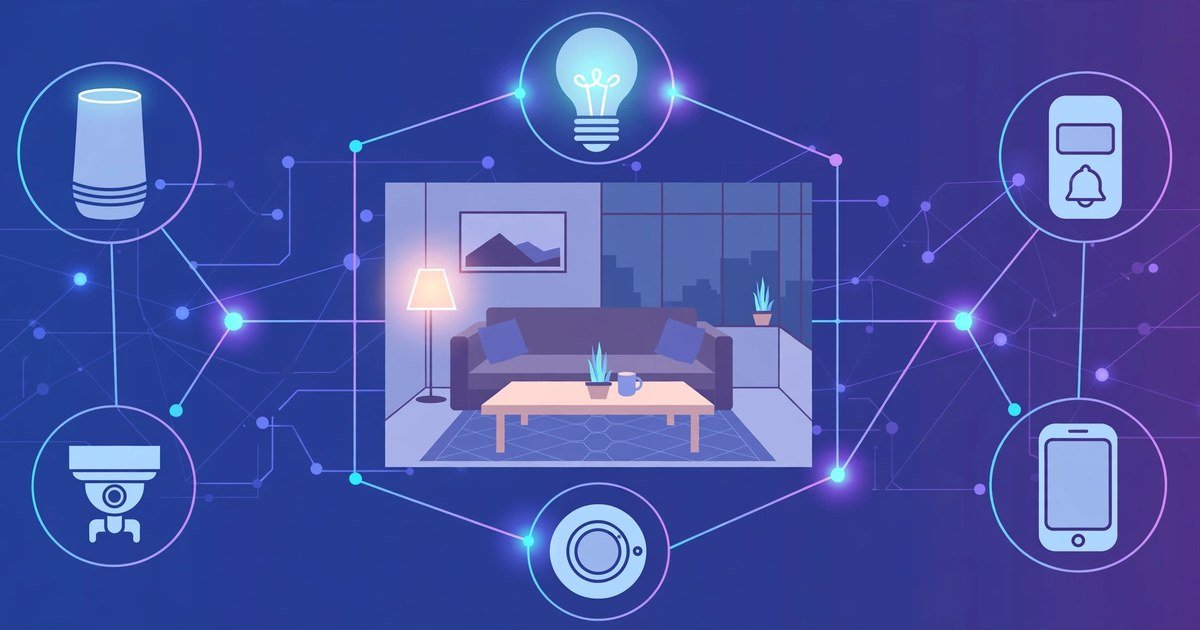
If you are still deciding how your home will work as a whole, read our guide to what the Matter smart home standard means for UK buyers. Matter is the standard that lets devices from different brands work together, and it matters just as much for lighting as it does for the rest of the house.
Cost per room: the maths most guides skip
Bulbs look cheap, and switches look expensive, until you count per room. A room with one ceiling light needs one smart bulb, and that is the cheapest way in. A room with four spotlights needs four smart bulbs, and suddenly one smart switch costs less than four bulbs, and it lasts through every bulb change after that.
Think about replacement costs too. An ordinary LED bulb costs very little to replace. A smart bulb costs several times more, and you pay that again every time one fails. A smart switch keeps working with cheap ordinary bulbs, so the long term cost of a busy room is usually lower with a switch.
There is also a hidden cost with bulbs: the extra remotes and sensors you buy to stop people turning the wall switch off. A wireless remote by the door fixes the habit problem, but it adds cost and clutter. Switches need none of that, because the wall switch itself is the control.
A sensible rule follows from this. Use bulbs where a room has one or two lights, or where you want colour and mood lighting. Use switches where a room has three or more lights, or where the lights get heavy daily use. Bedrooms suit bulbs. Kitchens, hallways and living rooms usually suit switches.
Renters, landlords and permission
Renters should start with bulbs, and in most cases they should stay with bulbs. A smart bulb leaves no trace when you move out. You unscrew it, put the old bulb back, and the flat looks exactly as it did before. No permission needed, no deposit risk, and no argument at checkout.
Smart switches are a different story. Replacing a switch changes the fixed wiring of the property, even if the job is small. Most tenancy agreements require written permission for electrical changes, and some forbid them outright. If you do get permission, keep it in writing and keep the original switch safe, so you can restore it when you leave. Never fit a switch in a rented home without asking first. A deposit dispute costs far more than any lighting upgrade saves.
Homeowners have no such limit, but they still gain from starting small. Try bulbs in one room first, learn which automations you actually use, and then fit switches in the rooms where the case is strongest. That order avoids the classic mistake of wiring a whole house before you know what you want from it.
Control, dimming and everyday living
Guests expose the weakness of each system fast. A guest in a bulb home will turn the wall switch off out of habit, and your smart lights will go dead. A guest in a switch home will press the switch and everything just works. If your home has frequent visitors, children, or older relatives, that difference alone can settle the choice.
Dimming is the next everyday test. Smart bulbs dim smoothly from the app or by voice, and colour bulbs can shift from bright white in the morning to warm light in the evening. Smart switches dim ordinary bulbs well too, but only if the bulbs are dimmable and the switch and bulbs are compatible. Cheap non dimmable LEDs can buzz or flicker on a dimmer switch, so check compatibility before you buy a batch of bulbs for a dimmer circuit.
Voice control works well with both, with one difference. A smart bulb answers to the name of the room, and you can control each bulb on its own. A smart switch answers as one circuit, so all the lights on that switch move together. Colour scenes and single lamp control favour bulbs. Whole room simplicity favours switches.
Power cuts and Wi-Fi outages also behave differently. When the power returns, a smart bulb usually comes back on at full brightness, which can wake a sleeping household at night. Many apps now let you set a power on behaviour, so set it to a soft warm level before you need it. A smart switch behaves more like an ordinary switch after an outage, because the physical switch position still makes sense. If your broadband drops, most switches still work by hand, while app only bulb controls can feel stranded until the connection returns.
What about Matter and future proofing
Buy for the standard, not just for the brand. Matter certified bulbs and switches work across Alexa, Google Home, Apple Home and SmartThings, so you are not locked into one app or one assistant. That matters because the assistant you use today may not be the one you use in three years.
Check the box for Matter support, and check whether the device needs a hub or a border router. Many Matter devices run over Thread, which needs a Thread border router in the home, and many recent smart speakers and Apple TV boxes already include one. If you already own a recent smart speaker, you may already have what you need. Our guide to the best smart speaker for a small flat explains which models carry the most useful smart home features in a small space.
If you are building a wider smart home, plan lighting alongside heating and security, not after them. A home that already uses smart heating will benefit from one app and one set of routines, and the same logic applies to cameras and doorbells. Our guide to the best video doorbells with no subscription shows how the same cost per room thinking applies to security: the cheapest device is rarely the cheapest system.
Which should you buy: the decision in one minute
Choose smart bulbs if you rent, if you want colour or mood lighting, if a room has one or two lights, or if you want to try smart lighting this weekend with no wiring work. Choose smart switches if you own your home, if a room has three or more lights, if lots of people use the same lights, or if you want the wall switch to keep working exactly as everyone expects.
Many homes end up with both, and that is a good outcome, not a compromise. Bulbs in bedrooms, where colour and gentle wake up light matter. Switches in kitchens and hallways, where everyone just wants the lights on. The mistake is not mixing them. The mistake is buying a whole house of one type before checking your wiring and counting the lights per room.
Start with one room. Check the switch box. Count the bulbs. Then buy for that room, and let the next room follow the same test.
Frequently asked questions
Do I need a neutral wire for a smart switch?
Many smart switches need a neutral wire, but no-neutral models exist. Check the switch box with the power off, or ask an electrician. If you have no neutral, look for a switch made for that wiring, and check its minimum load against your LED bulbs.
Can renters install smart switches in the UK?
Only with the landlord’s written permission, because fitting a switch changes the fixed wiring. Most renters are better off with smart bulbs, which leave no trace and need no permission. Keep the original switch and bulbs if you ever do get permission to change them.
Are smart bulbs or smart switches cheaper overall?
Bulbs are cheaper for rooms with one or two lights. Switches are usually cheaper for rooms with three or more lights, because one switch replaces several bulbs and keeps working with cheap ordinary bulbs. Count the lights per room before you compare prices.
What happens to smart bulbs when someone turns the wall switch off?
The bulb loses power and stops responding to the app or voice control. It will work again when the switch goes back on. A wireless remote by the door, or a switch guard, stops the habit, but a smart switch avoids the problem completely.
Do smart bulbs and switches work with Matter?
Many new models do, and Matter support is worth checking before you buy. It lets devices work across Alexa, Google Home, Apple Home and SmartThings, so a change of assistant later does not force you to replace your lights.
Conclusion
Smart bulbs and smart switches both light a home well, but they solve different problems. Bulbs win on ease, colour and renter friendliness. Switches win on everyday usability, multi light rooms and long term cost. The UK wiring question, and a simple count of the lights in each room, will tell you which one wins in your home. Check those two things first, buy for one room, and build from there.