Yes, for most everyday accounts. SMS two-factor authentication is far safer than a password alone. It blocks the cheap, high-volume attacks that cause most account takeovers. But it is the weakest form of two-factor authentication. A determined attacker can beat it through a SIM swap, by intercepting the text, or by tricking you into typing the code into a fake login page. For your email, your bank and your work accounts, use an authenticator app or a passkey instead. For a low-value account that offers nothing better, SMS is still worth turning on.
What SMS two-factor authentication actually does
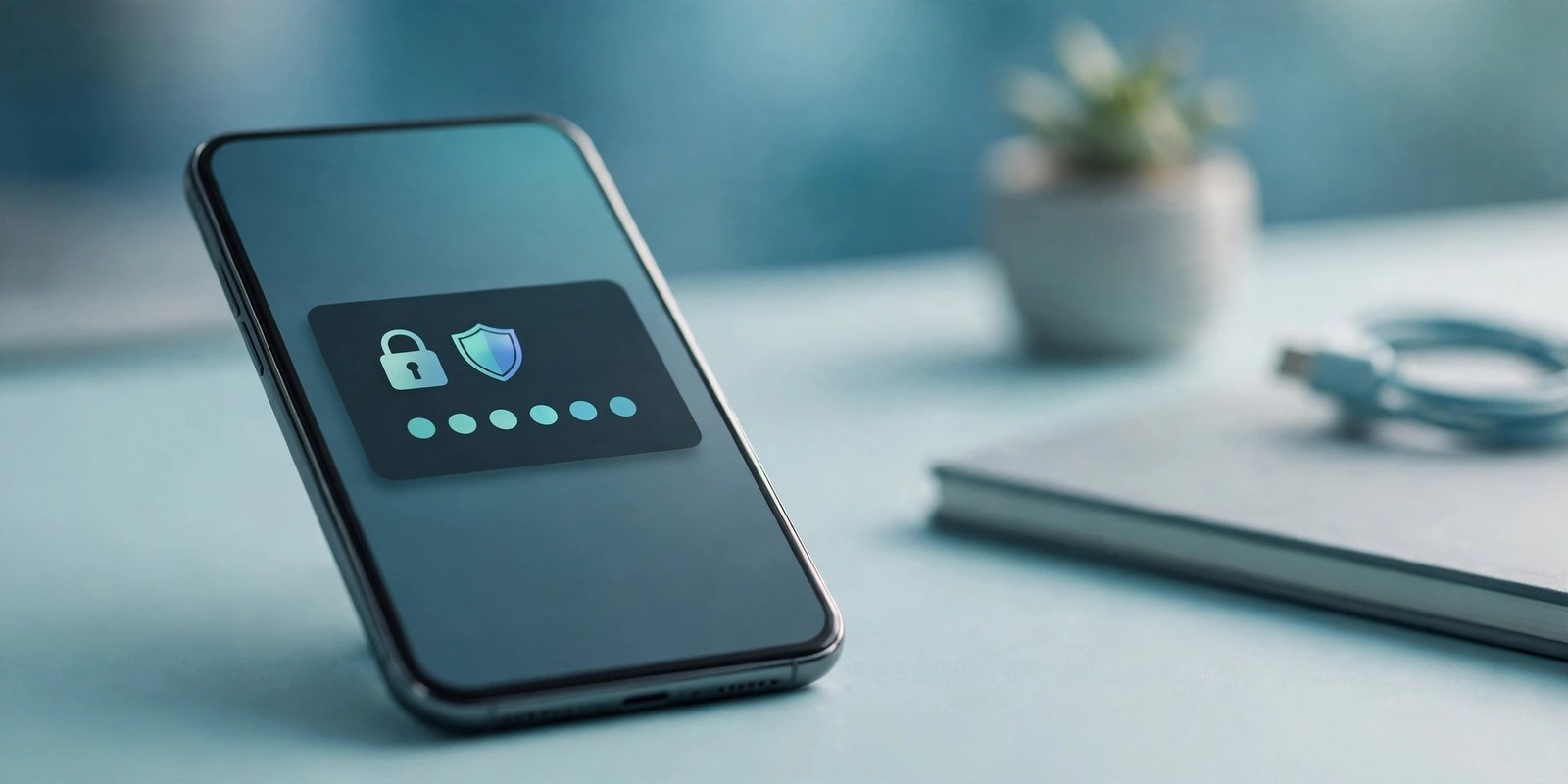
Two-factor authentication means a second check after your password. With SMS, the service texts a six-digit code to your phone. You type it in, and you are logged in. The idea is simple. A stolen password alone is no longer enough. An attacker also needs your phone, or at least your phone number. That is a real improvement. Passwords leak constantly through data breaches, phishing emails and password reuse. A second step stops most of those attacks cold. SMS is the most common second factor because it needs no app, no setup and no new hardware. Almost everyone already has a phone that receives texts.
How much protection does an SMS code really give you
Google studied its own sign-in challenges in 2019. An SMS code sent to a recovery phone blocked 100 percent of automated bots, 96 percent of bulk phishing attacks and 76 percent of targeted attacks. Those are strong numbers. They show that SMS stops the attacks most people actually face. Bulk phishing is the flood of fake emails sent to thousands of people at once. Automated bots try stolen passwords at scale. SMS defeats both, most of the time. The gap appears against a targeted attacker. If someone picks you specifically and works at your account, SMS leaves a real opening. That is the honest picture. SMS is good protection against the many, and weak protection against the determined few.
The three ways attackers beat SMS codes
SIM swap
A SIM swap is the best-known attack. A criminal contacts your mobile network, pretends to be you, and asks for your number to be moved to a new SIM card. If the network agrees, every text sent to your number goes to the attacker. Your phone goes silent. The attacker receives your login codes. The FBI Internet Crime Complaint Center recorded 982 SIM swap complaints and about 26 million dollars in reported losses in 2024. In the UK, Cifas, the fraud prevention service, reported a 1,055 percent year-on-year surge in unauthorised SIM swaps. A SIM swap needs only personal details and social engineering skill. It does not need your phone, your password or any technical hacking.
Network interception
Text messages travel across the telephone network in plain text. They are not encrypted end to end. Weaknesses in the signalling system that connects mobile networks, known as SS7, can let an attacker intercept or redirect messages. This is harder to pull off than a SIM swap. It is mostly a risk for high-value targets. But the weakness is real, and it is built into how SMS works. You cannot fix it from your phone.
Real-time phishing
The most common attack in practice is simple phishing with a twist. You receive a convincing email or text that links to a fake login page. You enter your password, then the page asks for your SMS code. You type it in. The attacker relays it to the real site within seconds and logs in as you. The code worked exactly as designed. It was just handed to the wrong site. Any code you read and type by hand can be stolen this way. SMS codes, authenticator app codes and backup codes all share this weakness. Only passkeys and security keys refuse to work on a fake site.
What the experts say: NCSC, NIST and CISA
The UK National Cyber Security Centre ranks message-based methods such as SMS at the bottom of its list. Its guidance places FIDO2 credentials, which include passkeys and security keys, at the top. Authenticator apps sit in the middle. SMS is mainly appropriate when no stronger option is possible. The NCSC still says any second factor is far better than none. Its guide to setting up two-step verification starts from that principle. In the United States, NIST published updated digital identity guidelines in July 2025. NIST SP 800-63B-4 classes codes sent over the public telephone network, including SMS and voice calls, as a restricted authenticator. Restricted does not mean banned. It means a service using SMS codes must offer every user at least one alternative, explain the risks, and plan for the method becoming unavailable. The US Cybersecurity and Infrastructure Security Agency goes further. Its guidance on phishing-resistant multi-factor authentication lists SMS and voice codes as vulnerable to phishing, SS7 interception and SIM swap, and says they should only be used as a last resort. Microsoft has said it will start phasing out text messages for sign-in and recovery on personal Microsoft accounts. The direction of travel is clear. SMS is on its way out for important accounts.
SMS vs authenticator app vs passkey: the honest ranking
Passkey or security key: strongest
A passkey or a FIDO security key is the gold standard. It is bound to the real website address, so it cannot be used on a fake login page. SIM swaps, SS7 interception and phishing do not apply to it. Passkeys are free and built into modern phones and browsers. A physical security key costs roughly 25 to 50 pounds. Use this for email, banking, your password manager and work accounts.
Authenticator app: strong everyday choice
An authenticator app, such as Google Authenticator or Microsoft Authenticator, generates a six-digit code on your device every 30 seconds. The code is created locally, so it never travels across the mobile network. A SIM swap cannot steal it. It works without a mobile signal. It is free, and it covers hundreds of services. Its weakness is phishing. If you type the code into a fake page, an attacker can relay it. Even so, it removes the whole phone-network risk that SMS carries.
SMS code: weakest, but better than nothing
SMS is free, familiar and available everywhere. It needs no app and no setup. Its weaknesses are SIM swap, network interception and phishing. It also fails when you have no signal, and it breaks when you change your number. Use it only when the service offers no better option. If a service offers SMS as a fallback after you set up an app, remove the SMS fallback. Attackers use the weakest option, not the strongest one.
When SMS is safe enough, and when it is not
SMS is safe enough for low-value accounts. A loyalty scheme, a forum account or a streaming service with no payment details attached is fine on SMS. The effort of attacking you outweighs the reward. SMS is also the right choice when it is the only option. A service that offers only SMS still beats a service with no second factor at all. Turn it on. SMS is not safe enough for your email account, your bank, your password manager or your work admin accounts. These are the accounts that unlock everything else. If an attacker controls your email, they can reset passwords across your other accounts. Use a passkey or an authenticator app for these. For a small business, the same rule applies to shared accounts and admin logins. Our guide to the best password managers for small teams in the UK explains how to store and share these credentials safely.
How to upgrade from SMS in ten minutes
Start with your email account. It is the key to everything else. Open the security settings, look for two-step verification or two-factor authentication, and choose authenticator app instead of text message. Install a free authenticator app, scan the QR code, and type in the code it shows. Save the backup codes somewhere safe, away from your phone. Repeat the same steps for your bank, your password manager and your main social accounts. Then go back into each account and remove SMS as a recovery or fallback option. If you cannot remove it, leave it, but the app is now your main method. Ten minutes per account is enough. Do one account a day for a week, and your most important logins are upgraded. If a service offers passkeys, choose the passkey instead of the app. It is stronger, and it is just as quick to set up.
Stuck with SMS? How to make it harder to attack
Some services, including several UK banks, still offer only SMS. You cannot upgrade what is not offered. You can still harden it. First, add a PIN or password to your mobile network account, and ask your network to require it before any SIM change or number port. This makes a SIM swap much harder. Second, never share the code with anyone, and never type it into a page you reached from a link in an email or text. Type the website address yourself, or use a bookmark. Most SMS phishing starts with a fake link, and our guide to spotting phishing emails aimed at UK small businesses shows the red flags to look for. Third, check that your phone number on file is current, and tell your network at once if your phone suddenly loses signal for no reason. A sudden loss of service can be the first sign of a SIM swap. Finally, keep your phone software updated, and use a screen lock. A stolen unlocked phone defeats every second factor at once.
Frequently asked questions
Is SMS two-factor authentication safe enough for banking?
It is better than a password alone, and it is what many UK banks still use. But it is the weakest option. Where your bank offers an authenticator app or its own app approval, use that instead. Where it offers only SMS, keep SMS on, add a PIN to your mobile account, and never type a code into a page reached from a link.
Can someone hack my account if they only have my phone number?
Your phone number alone is not enough. An attacker needs your password as well, plus a way to receive your codes, usually a SIM swap. That is why a strong, unique password and a second factor matter together. A password manager helps you keep a different password for every account.
Is an authenticator app really safer than SMS?
Yes. The code is generated on your device, so it never crosses the mobile network. A SIM swap cannot steal it, and it works without a signal. It is still vulnerable to phishing, because a code typed into a fake page can be relayed. A passkey fixes even that. If you want to understand when a VPN helps on public networks and when it does not, our guide to VPNs on public WiFi explains the difference.
What should I do if my phone suddenly loses signal?
Treat it as urgent. Contact your mobile network from another phone and ask whether your number was moved to a new SIM. If it was, ask them to reverse it at once. Then change the passwords on your email and banking accounts from a trusted device, and check for any logins you do not recognise.
Should small businesses ban SMS two-factor authentication?
No, not as a first step. Banning SMS outright can lock staff out of services that offer nothing better. The practical policy is to require an authenticator app or passkey wherever the service offers one, and to allow SMS only where no stronger option exists. Add a carrier PIN requirement for staff phones, and train staff never to share a code.
Conclusion
SMS two-factor authentication is safe enough for everyday accounts, and it is far better than a password alone. Google found it blocks nearly all automated and bulk phishing attacks. But it is the weakest second factor, and the experts agree. The NCSC ranks it last, NIST classes it as restricted, and CISA calls it a last resort. Use a passkey or an authenticator app for your email, your bank and your work accounts. Keep SMS only where nothing better is offered, and harden it with a carrier PIN and good habits. The upgrade takes ten minutes per account. That is a small price for closing the easiest door into your digital life.